
Build visually.
Export real websites.
An open-source website builder that gives you visual speed and full code ownership. Design on a canvas, export to HTML, React, Next.js, or Astro — and deploy wherever you want.
Your code, your rules
No account. No backend.
No strings attached.
Craft runs locally. Your projects live on your machine—not someone else's server. When you export, you get clean, production-ready code you can deploy anywhere. No vendor lock-in. No monthly bill to keep your site alive.
- 01Export real code HTML/CSS, Tailwind, React, Next.js, Astro, or ZIP—your choice, every time.
- 02Local persistence Desktop app stores projects via Tauri. Web app uses localStorage. No cloud dependency.
- 03No data leaves your machine No tracking, no analytics, no account walls. Build in private.
Capabilities
Everything you need, nothing you don't.
Organized around how you actually work: build the structure, refine the details, ship the result.
Visual Composition
A completely drag-and-drop canvas that feels like a design tool, but outputs semantic HTML.
- 45+ pre-built components
- Drag-and-drop placement
- Inline text editing
- Smart snap guides
Responsive Control
Fine-tune every property for desktop, tablet, and mobile independently. No more fighting the cascade.
- Per-breakpoint overrides
- Multi-selection editing
- Built-in image cropping
- Component variants
Production Ready
Export clean code that you can actually use. No vendor lock-in. No "blob" of JavaScript.
- Export to React / Next.js
- Export to Astro / HTML
- Zero-config deployment
- Instant SEO optimization
How it works
Three steps. Real output.
No learning curve labyrinth. Compose your layout, polish the details, and get deployable code.
Compose
Pick from 51 section templates or start with a blank canvas. Drag components into place, edit text inline, and assemble multi-page sites visually.
Customize
Adjust styles per breakpoint for desktop, tablet, and mobile. Add pseudo-state interactions, page transitions, and drop into custom CSS when needed.
Export & Deploy
Download production-ready code in your chosen format. Set meta tags, OG data, and structured markup. Deploy via Netlify, Vercel, or GitHub Pages.
Templates
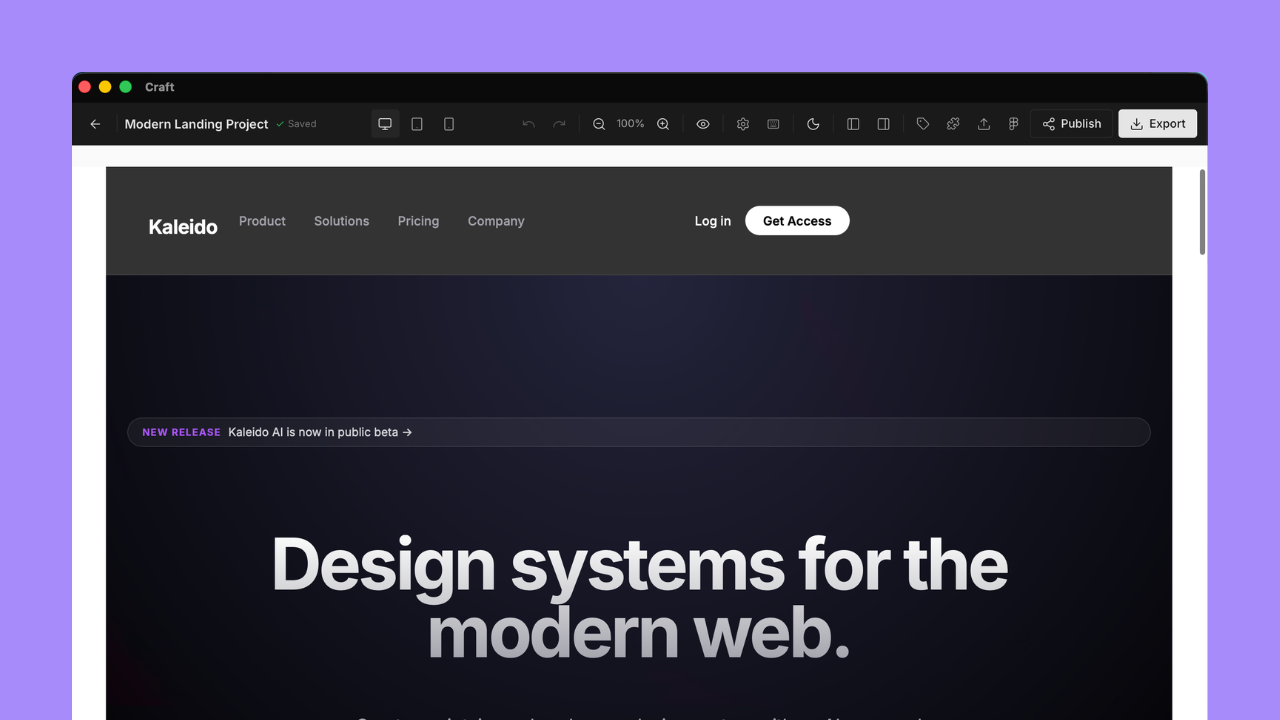
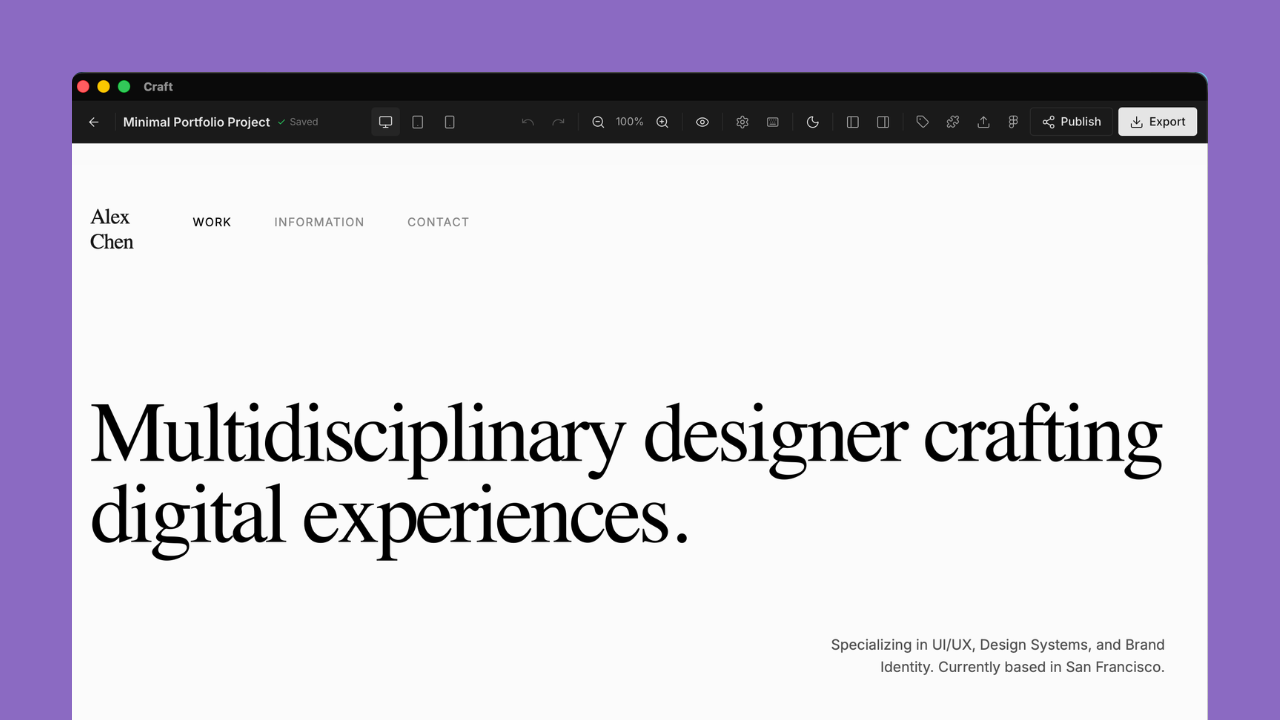
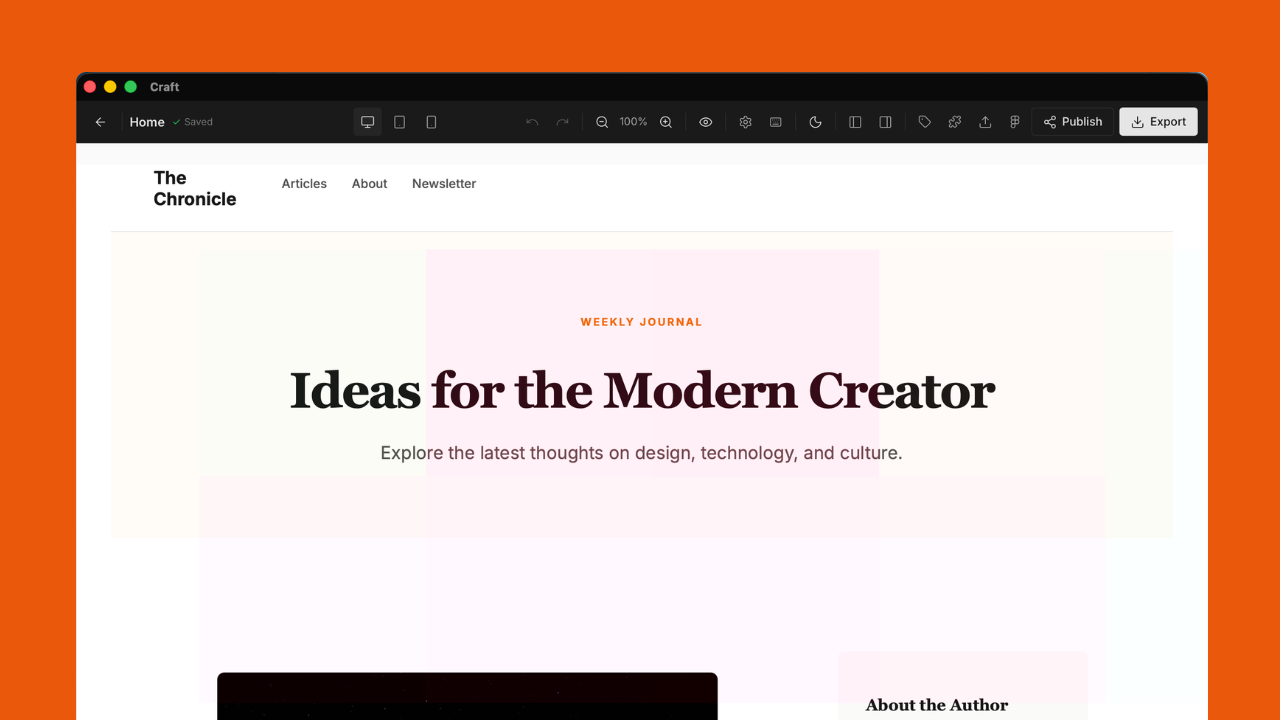
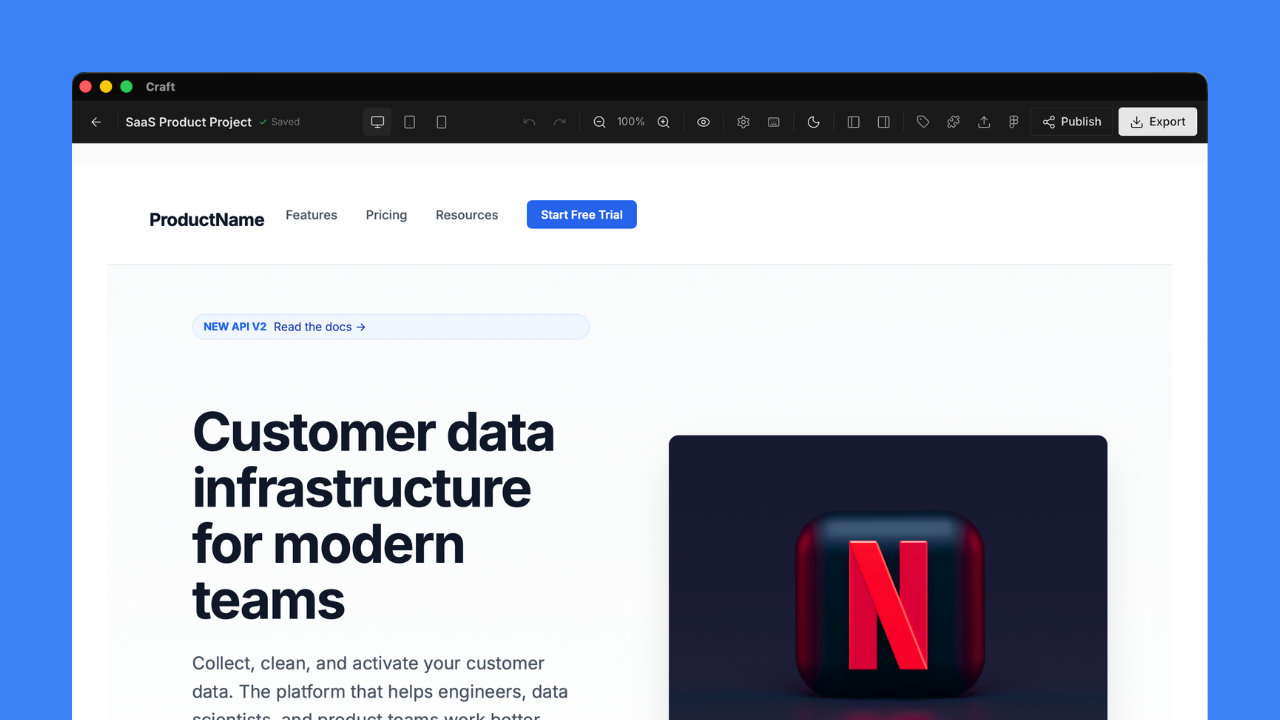
Start with structure, not a blank canvas.
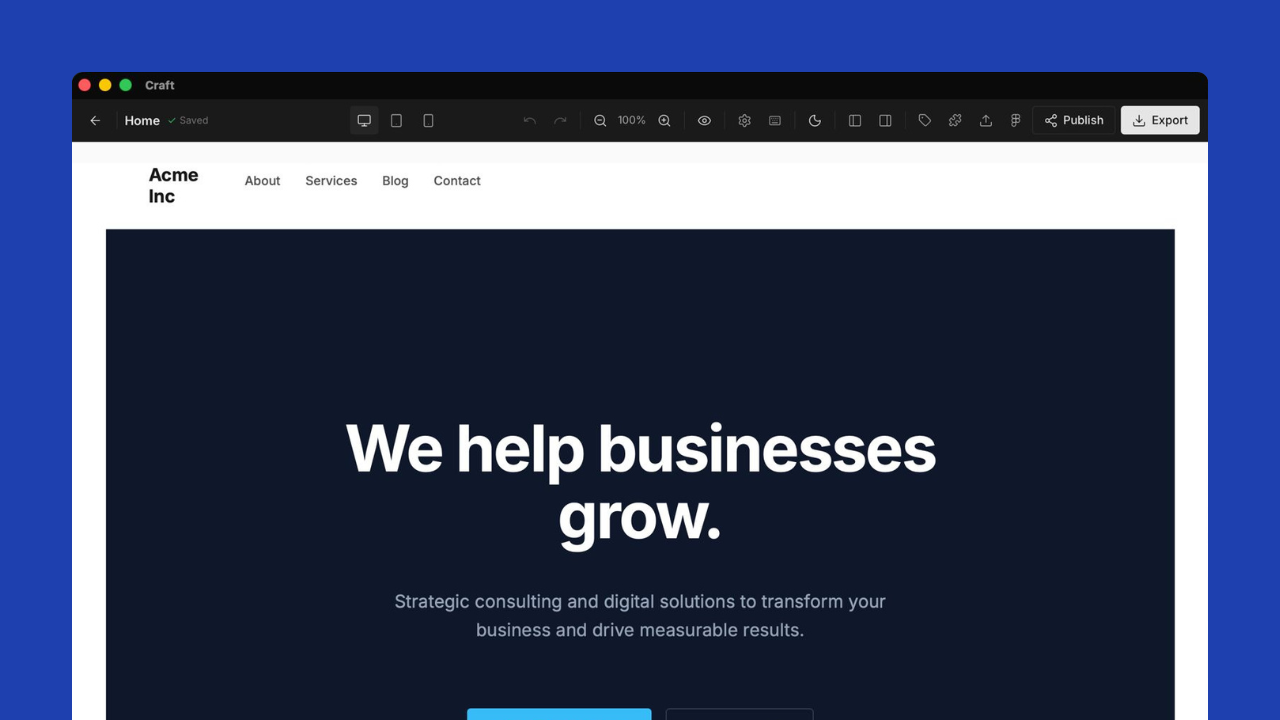
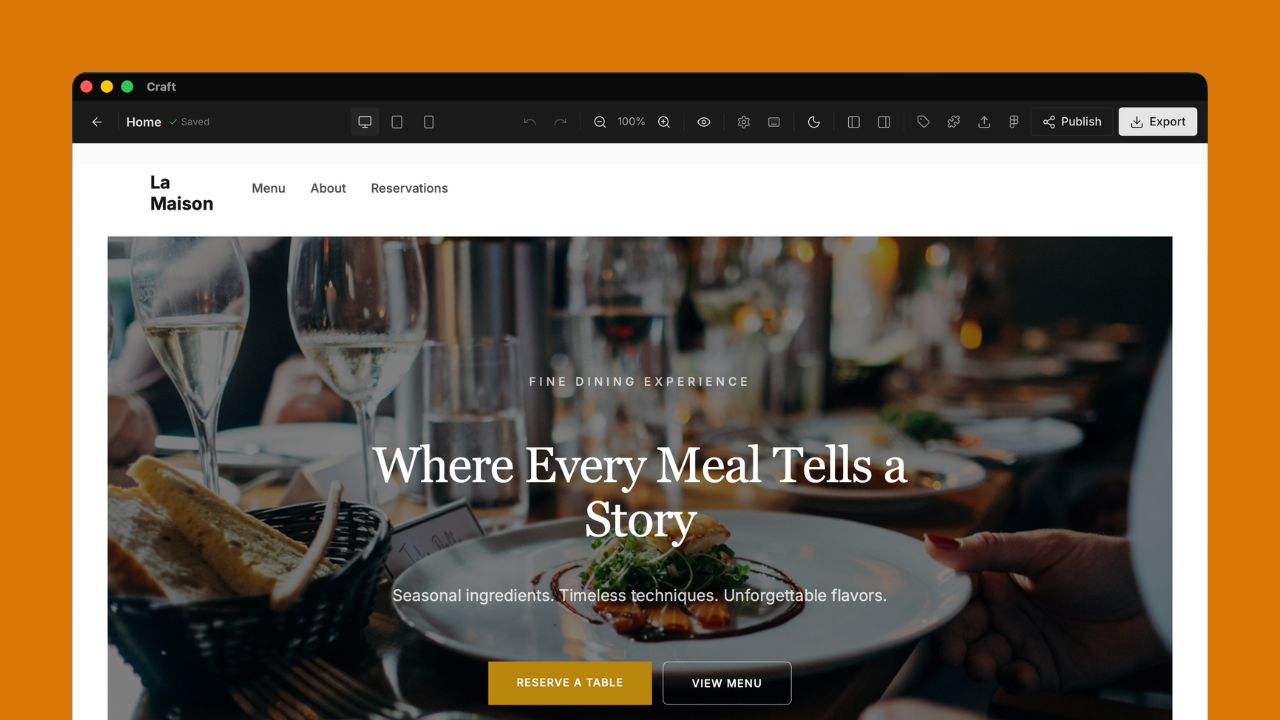
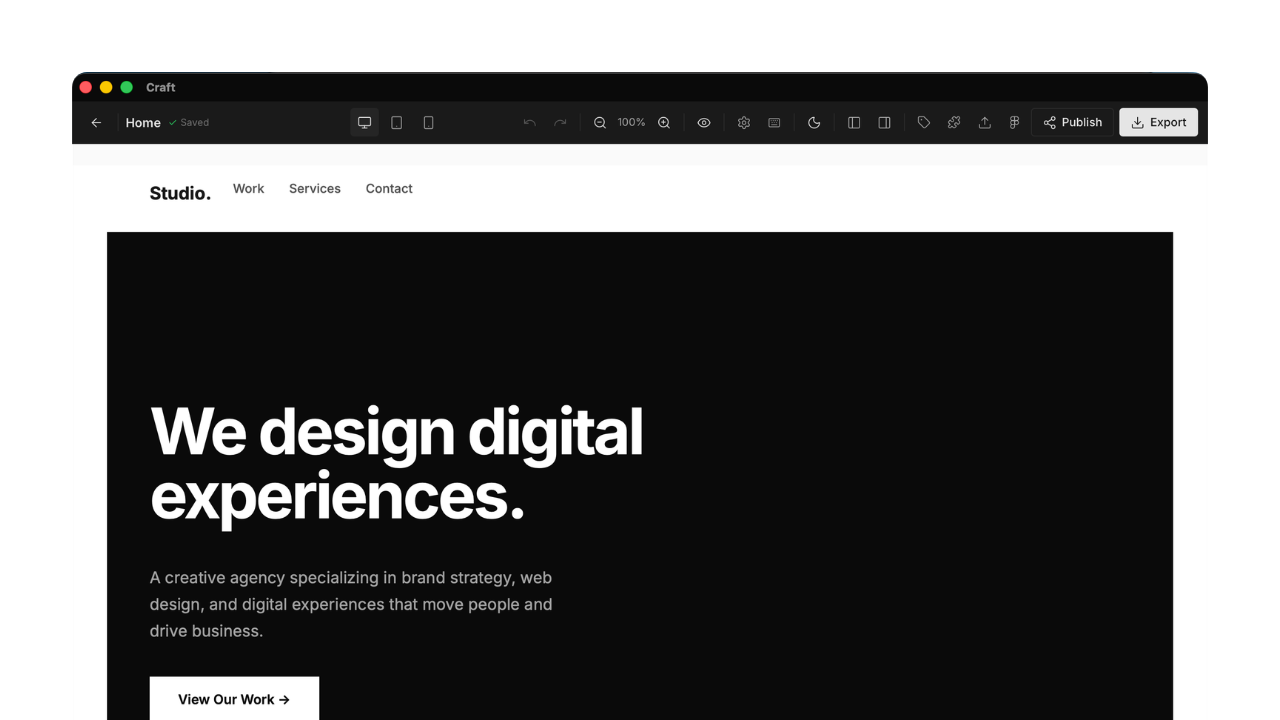
7 full project templates and 51 section templates across real-world categories. Use them as-is, remix them, or just study the patterns.
Under the hood
Built for people who read the source.
Craft is open source. These aren't marketing abstractions — they're architecture decisions you can verify in the codebase.
Iframe isolation
Each page preview renders inside an isolated iframe. What you see in the editor matches what ships to production — no style bleed, no rendering surprises.
Per-breakpoint styles
Responsive styles are stored independently for each breakpoint — desktop, tablet, and mobile. Not cascaded overrides. You control exactly what each screen size gets.
History model
Full undo/redo stack with named versions and restore points. Save project snapshots before risky edits and revert instantly. No timeline limit on history.
Local persistence
Desktop app uses Tauri's secure store. Web app uses localStorage with migration support. Your project data never touches a remote server unless you choose to deploy.
Ready?
Start building.
Keep everything.
Open source. Local-first. Your code, your rules.
No account required. No data leaves your machine.